
Executive Brain
Priorities, preferences, contacts, company context, meetings, decisions, and communication style in one memory layer.
Executive Assistant OS gives a Founder, CEO, or C-suite leader an approval-safe command desk for inbox, calendar, meeting prep, notes, travel/admin queues, relationship follow-up, board prep, documents, and daily priorities.
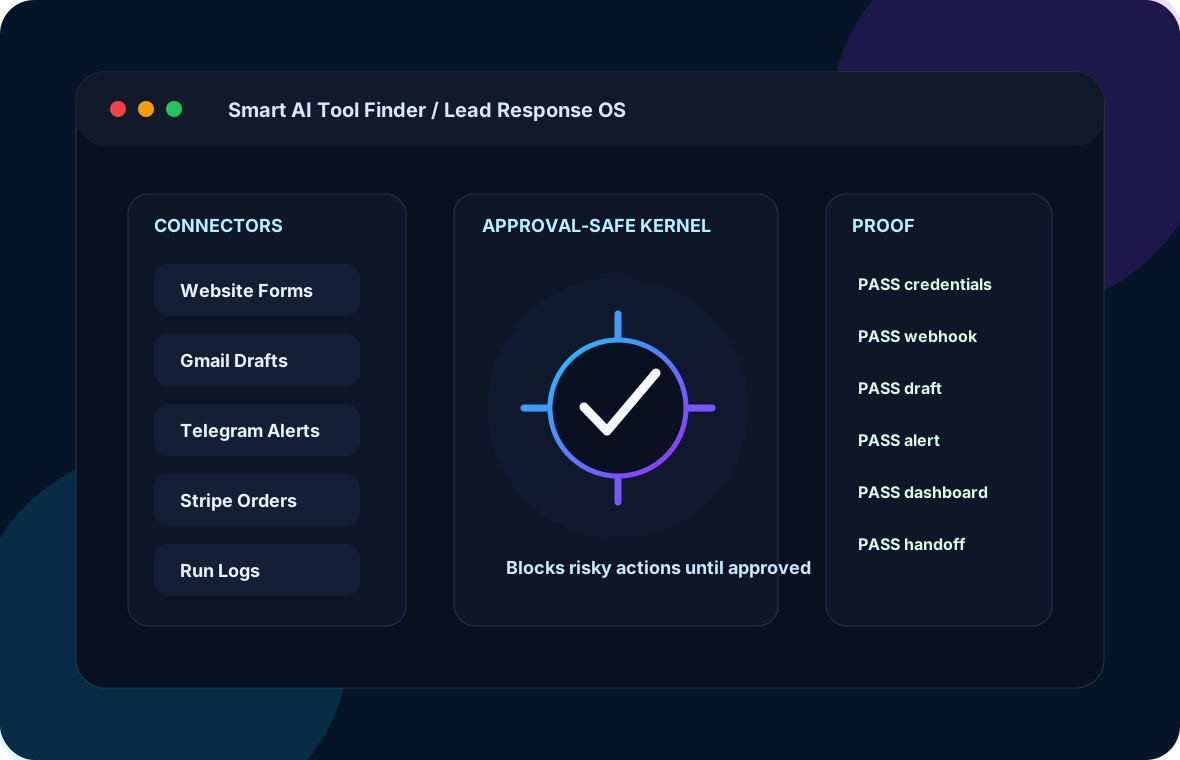

The change you feel
You are not paying for “AI.” You are removing a recurring business pain that costs time, money, attention, and trust.
What gets installed
Priorities, preferences, contacts, company context, meetings, decisions, and communication style in one memory layer.
Messages and schedule pressure get triaged into clear next actions.
Agendas, context briefs, notes, and follow-up drafts are created before momentum disappears.
Important people, promises, and next touches stop falling through cracks.
Admin work becomes organized draft/action queues instead of interruption soup.
The executive sees what matters, what waits, and what needs approval.
Proof before handoff
Before handoff, the install must prove it can accept executive signals, create a priority brief, draft next actions, block unsafe commitments, and produce evidence.
Human approval stays in control
This is not a virtual assistant pretending to run the business. It is an executive command loop that protects time, context, relationships, and human authority.
How the install unfolds
Pick the recurring pain that would create the biggest relief if it disappeared.
Bring in the approved facts, voice, rules, offers, contacts, and operating context.
Set up the intake, draft, alert, approval, and evidence path.
Run the install through PASS/FAIL checks before anyone calls it ready.
The first real action is supervised so trust is earned before scale.
Once the loop works, add managed improvement or the next operating system.
When you are ready
The installed build is $5,000. You get a working operating loop, an approval-safe first action, and proof you can inspect instead of promises you have to trust blindly.
Best when an executive needs the leverage of an assistant without giving up control of commitments, calendar changes, spending, or final sends.
Need a lighter first step? Use the readiness audit. Want ongoing improvement? Add managed support after the install proves value.
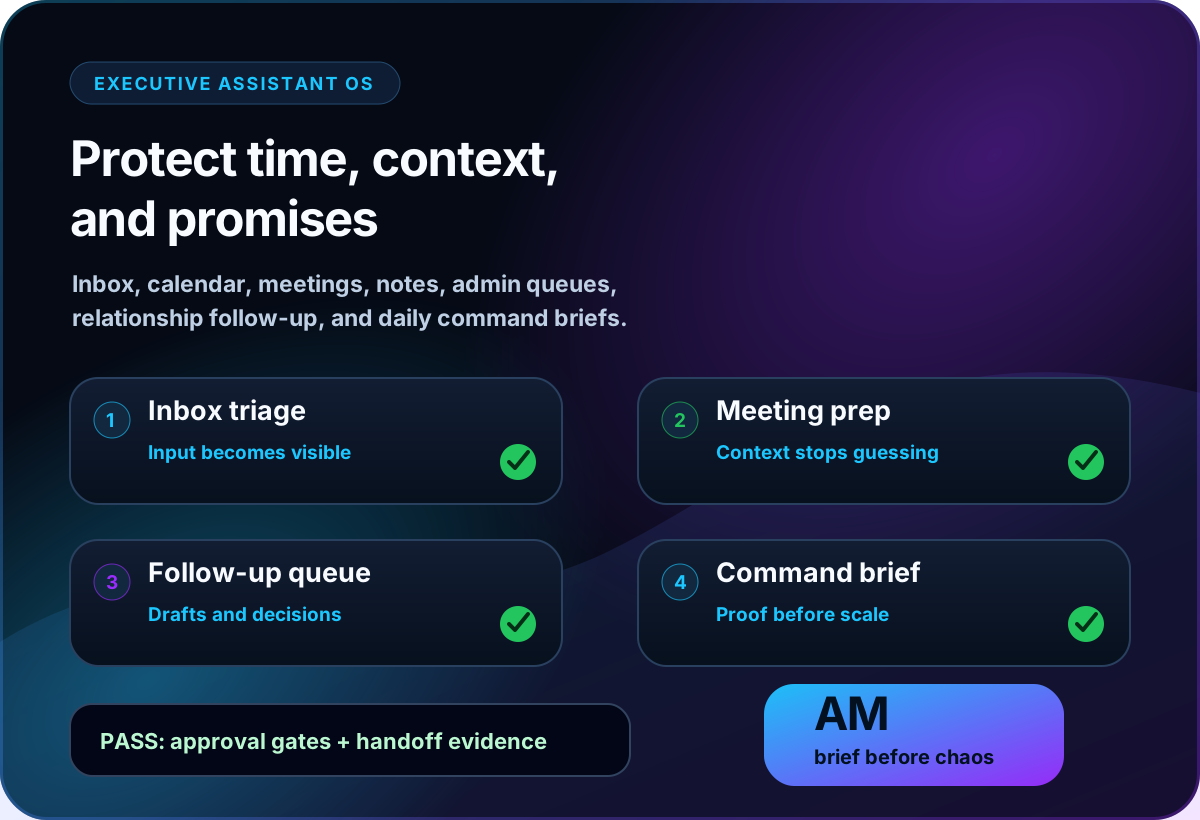
This visual shows the executive support loop: triage inbox, prep meetings, track follow-up, and produce a daily command brief.
Install Executive Assistant OSNext step
Choose the installed system for inbox, calendar, meetings, notes, admin queues, relationship follow-up, and command briefs.