AI OS buying path

Choose the headache you want gone first.

Nobody wakes up excited to buy “AI automation.” They want the missed lead answered, the content finally shipped, the executive calendar under control, and the business running with fewer dropped balls.

Start with the pain. Then choose the safest install path.

Choose installed system See the buying rule

What you are buying

Calm, visible execution.

A working operating loop with a Brain layer, approvals, drafts, alerts, logs, verification, and handoff proof.

Two people reviewing a business document together at a table
A buying decision with the scope in viewCompare the installed operating system, implementation boundary, and support path—not vague feature counts.

Choose by pain, not by package name

What would make the business breathe easier this month?

Revenue conversations

“We are losing money between the form fill, the quote, and the follow-up.”

Lead Response OS is for inbound leads, support questions, quote follow-up, prospecting, and reactivation. It installs one revenue conversation loop with approved context, draft replies, alerts, logs, and human approval before final sends.

  • Website forms and inbox intake
  • Support + sales follow-up drafts
  • Quote and reactivation alerts
  • Revenue Brain and approval gates
See Lead Response OS
Content growth

“We have expertise, calls, notes, and proof — but they are not turning into growth assets.”

Content Ops OS is for strategy, repurposing, SEO/GEO, newsletters, social posts, offers, case studies, and proof assets. It turns raw business knowledge into an approval-safe content production system.

  • Content Brain and strategy queue
  • Repurposing from calls and notes
  • SEO/GEO, newsletter, and social drafts
  • Offer, case study, and proof assets
See Content Ops OS
Executive leverage

“The executive is carrying the inbox, calendar, meetings, admin, and follow-up in their head.”

Executive Assistant OS is for inbox triage, calendar support, meeting prep, notes, admin queues, relationship follow-up, board or investor prep, and daily command briefs.

  • Executive Brain and priority rules
  • Inbox, calendar, and meeting prep
  • Notes, commitments, and follow-up
  • Daily command brief and admin queue
See Executive Assistant OS

The real purchase

You are buying fewer dropped balls.

Before

Work lives in inboxes, tabs, memory, loose tasks, and “I thought someone handled that.”

Why it matters

The payoff is not novelty. It is speed, confidence, consistency, and a calmer operating rhythm.

Installed systems

Pick the pain you want removed.

Lead Response OS

Revenue conversations stop leaking.

Leads, Customer Support OS, Sales Prospecting OS, objections, quotes, and reactivation move through one approval-safe loop.

  • Client Revenue Brain
  • Support + prospecting included
  • Drafts, alerts, logs, verification
Installed build$2,500
Executive Assistant OS

The executive gets leverage.

Inbox, calendar, meeting prep, notes, admin queues, relationship follow-up, and command briefs stop living in memory.

  • Executive Brain
  • Meeting + follow-up support
  • Commitment gatekeeping
Installed build$5,000

Proof before handoff

You do not just buy tasks. You get a verified operating loop.

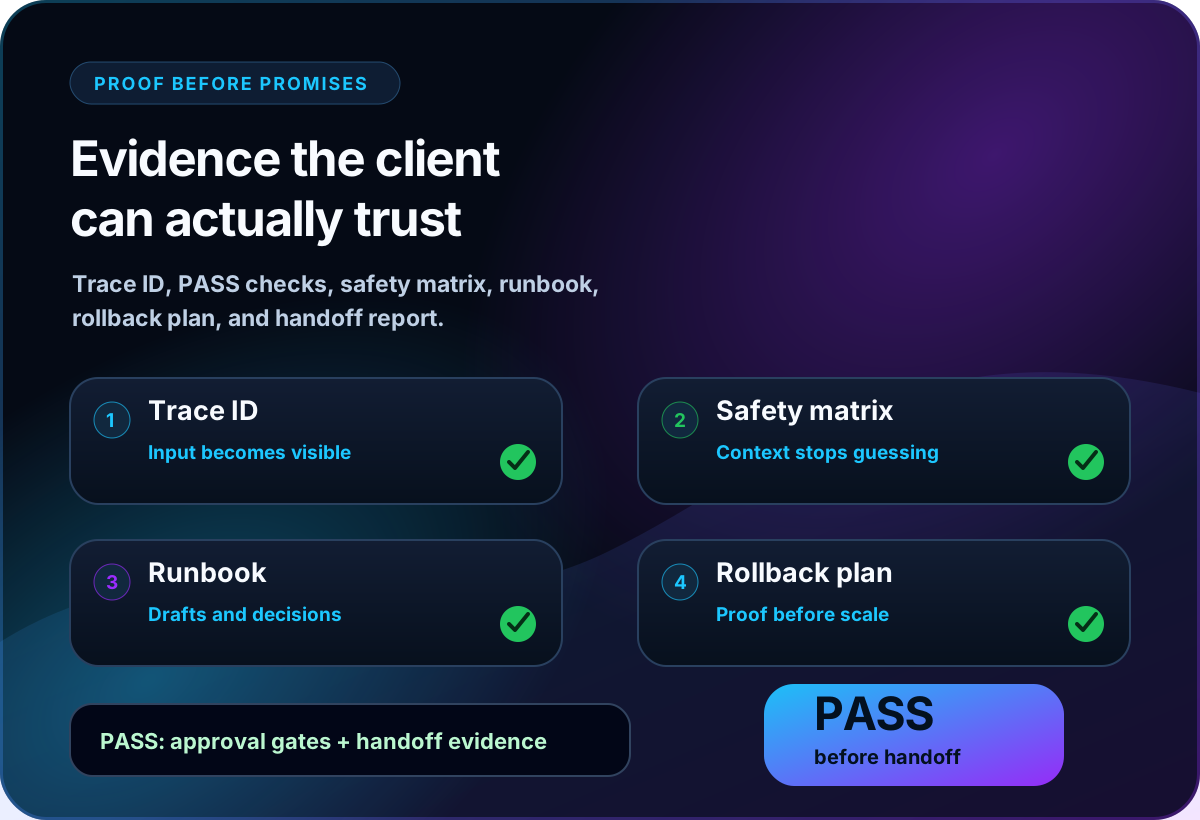
After payment and installation, every system must produce verification results, a trace ID, safety matrix, runbook, rollback plan, and handoff report before we call the build complete.

Human approval stays in control

Final sends, publishing, spending, refunds, calendar changes, and business commitments require human approval.

Next step

Pick the pain. Install the loop. Prove it works.

Start with the system that removes the clearest business headache. Expand only after the first loop earns trust.

Choose installed system See handoff process

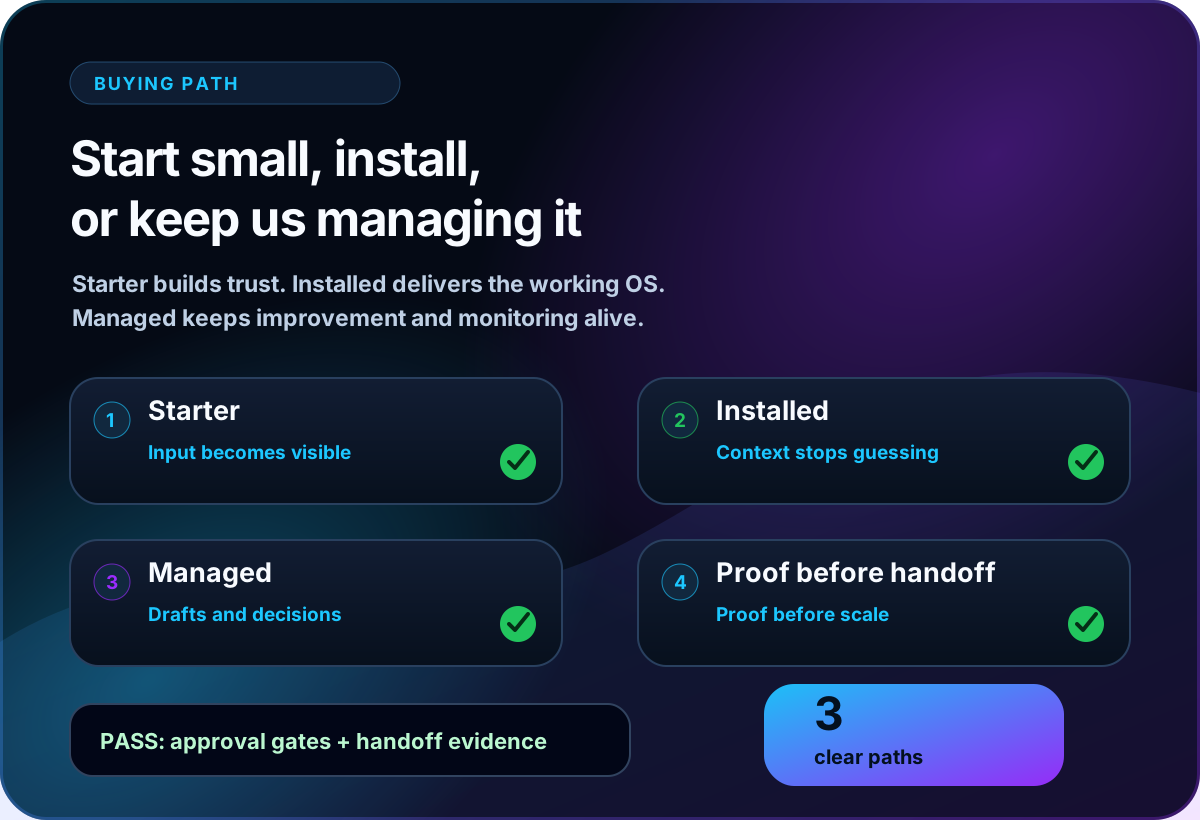
Premium visual showing the Starter Installed and Managed buying path
Premium proof before payment visual showing verifier safety matrix runbook and handoff evidence